


Arena 56 brings a long list of improvements. Most of them came from your bug reports and ideas, sent with the bug button in the game. Thank you, and keep them coming.
AI empires make peace
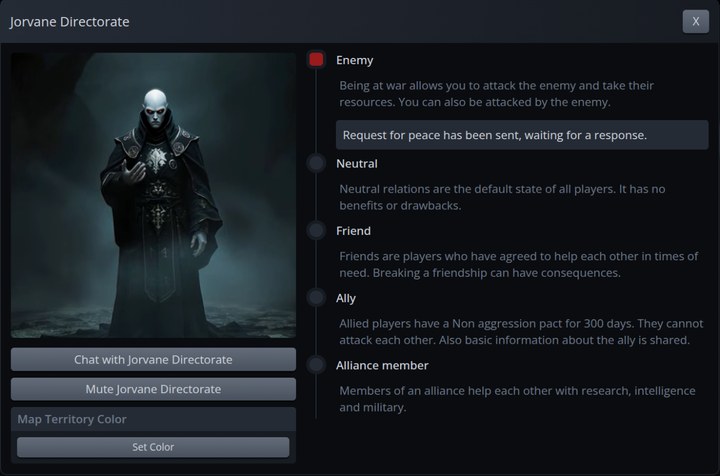
Until now a war with an AI empire never ended: it turned down every peace request.
Now an AI empire accepts peace once you have stopped attacking it for 150 days. Send a peace request and it stays open until then.
A population split for every building
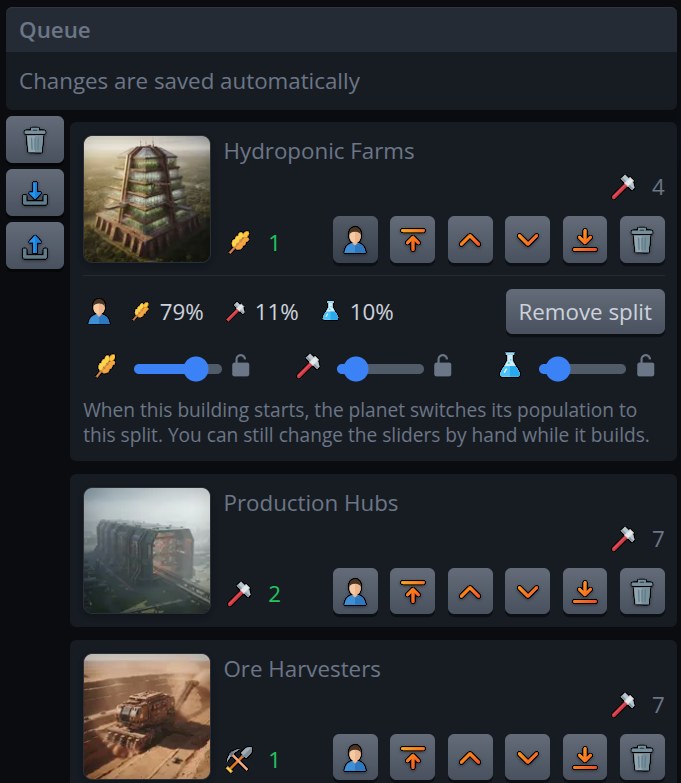
In a production queue template, each building now has a person button. It opens the same three sliders you know from a planet: farmers, workers and scientists.
When the queue starts that building on a planet, the planet switches to that split. This happens once, when the building starts, so you can still move the sliders by hand while it builds. A building without a split leaves the planet as it is.
The old FERION had this, and a player asked for it back. Tip: put a food-heavy split on your first farms and a production-heavy one on your factories, and your new colonies steer themselves.
Several techs in one week
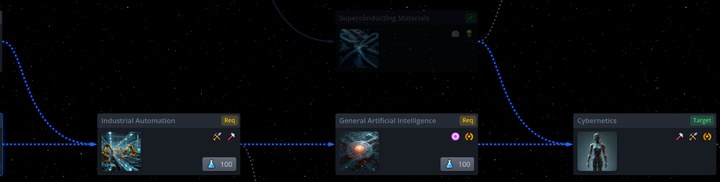
Research used to finish at most one tech per week, even when you had banked enough science for more. Now research keeps going down your path in the same week: every tech your science covers is finished, and what is left stays banked for the next one.
A new tutorial
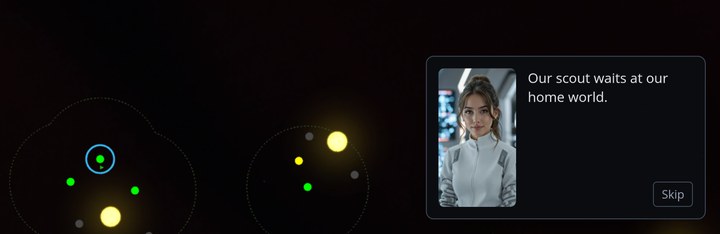
New players start in a practice arena with a new tutorial. Step by step they scout the Rebel homeworld, settle a planet, queue a Vanguard warship, research, hire a minister, and finally declare war on the Rebels and attack.
It's available in all 18 languages. If you know someone who wants to try Ferion, this is the easiest way in.
See what your ships will do
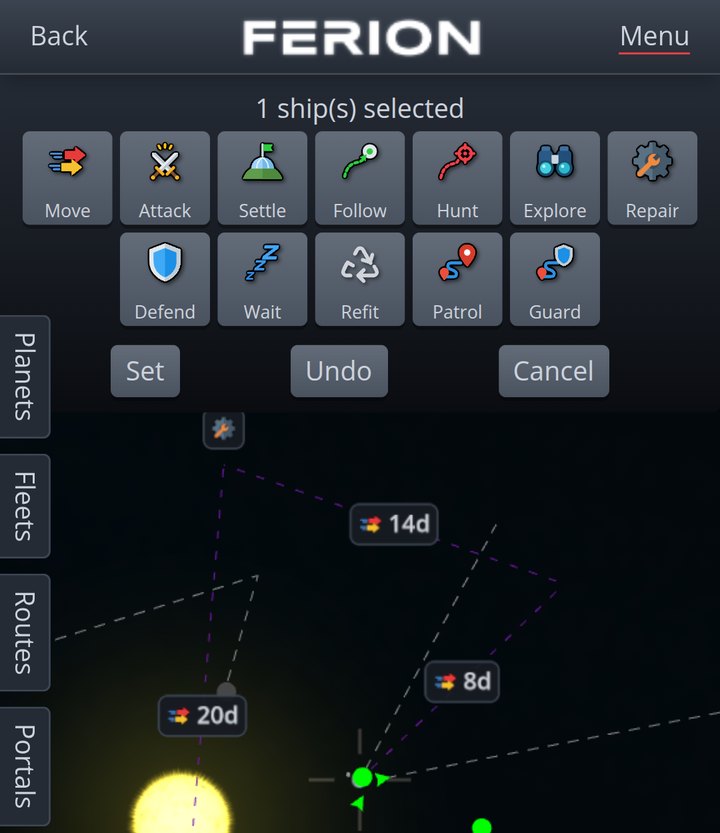
The purple path of a ship or fleet now has a small chip on every leg, with the icon of the order and its days, like "14d".
Orders carried out without moving, such as repair, defend, wait or refit, show as a chip on their waypoint.
On a phone, tap a path line to see that path. On a computer, hover over one.
See a rebellion coming
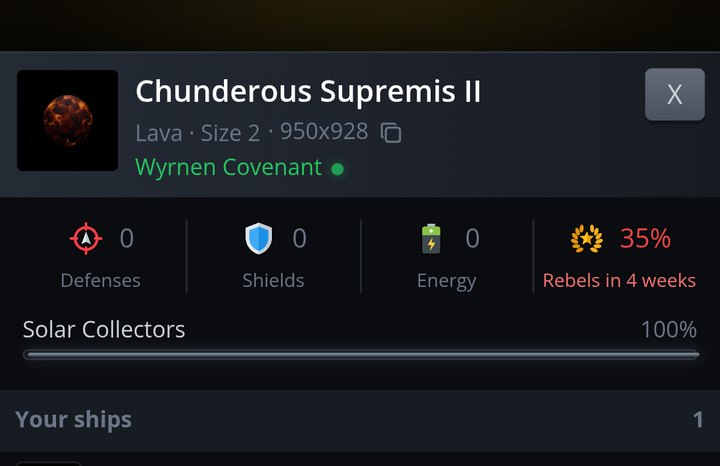
The planet popup on the map has a new Loyalty tile.
When a planet's loyalty is falling, it also says how many weeks are left before the planet rebels, so you know when to act.
Colourblind colours
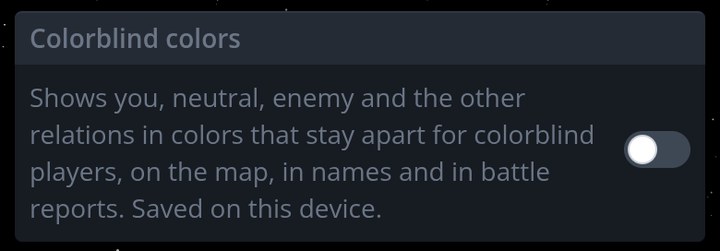
Settings has a new Colorblind colors switch.
It replaces the green, yellow and red that mark you, your allies, neutral empires and enemies with colours that stay apart for colourblind players: on the map, in names and in battle replays. It is saved on each device.
Compare your fleets
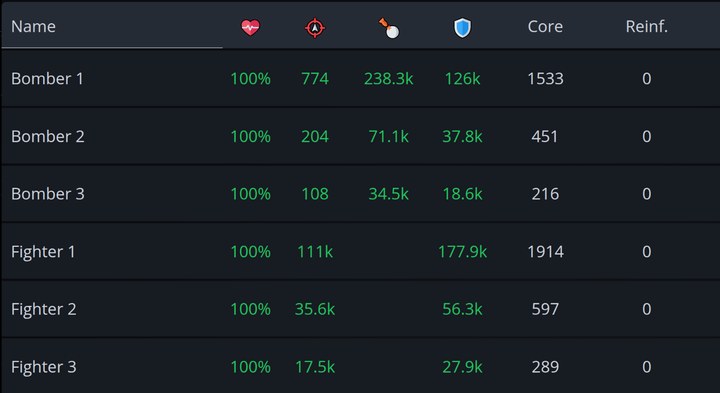
Command > Fleets has three new columns: attack against ships, attack against planets and shields. They're the same numbers the fleet picker on the map shows. Click a column to sort your fleets by strength, or hide it from the column menu.
One click orders a fleet
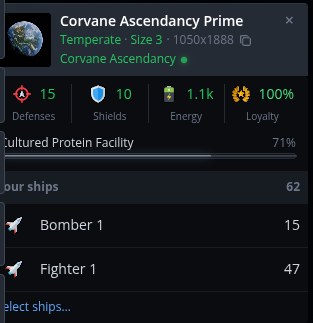
In the popup that opens when you click a spot on the map, one click on a fleet's line now gives that whole fleet an order. Before, it took two clicks.
A double click opens the fleet's ships, so you can pick some of them.
Select ships in an area
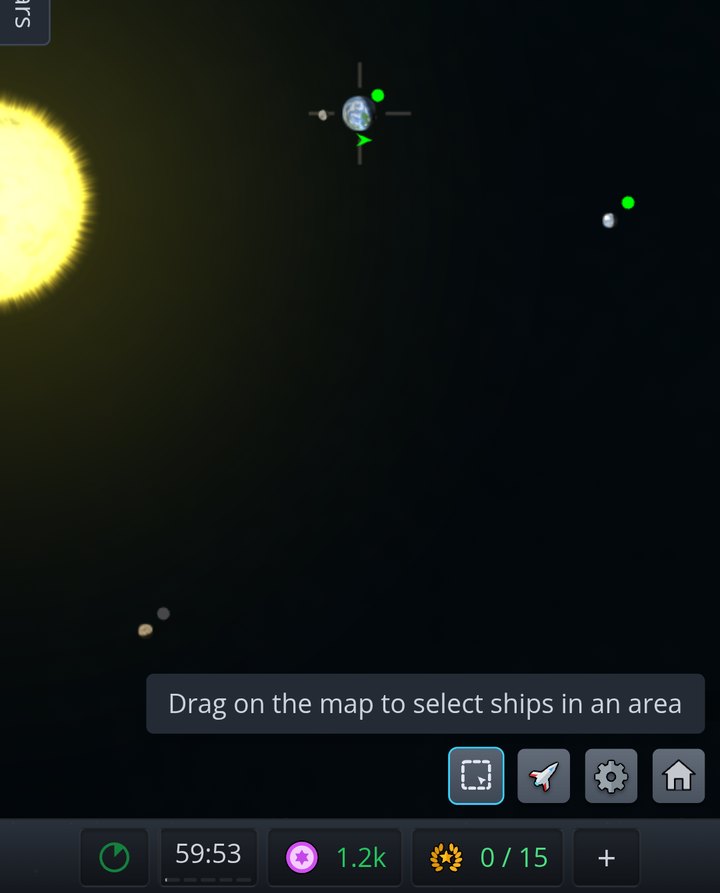
On phones and tablets a long press on the map already selected the ships in an area, but nothing told you so.
There is now a select-area button next to the zoom buttons. Tap it, then drag over the map to select every ship inside.
A word under every order
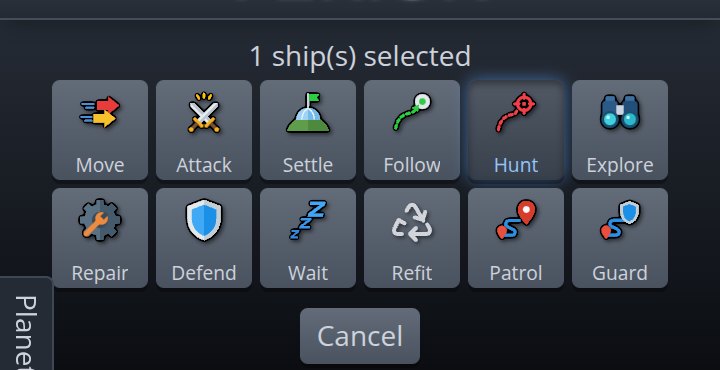
Each button in the order bar has a short word under its icon: Move, Attack, Settle, Follow and so on. The order you picked is outlined in blue.
Fleet arrival times
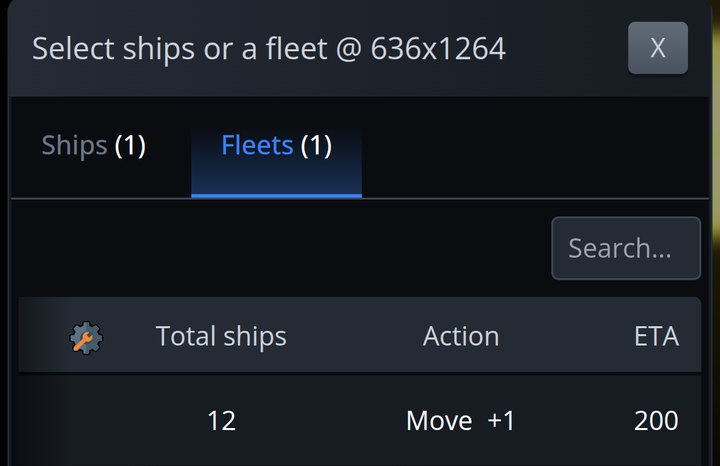
When you pick a fleet on the map, the list now shows its ETA: the days until it reaches the target of its first order, the same as the fleet list in Command.
Filter by your own designs
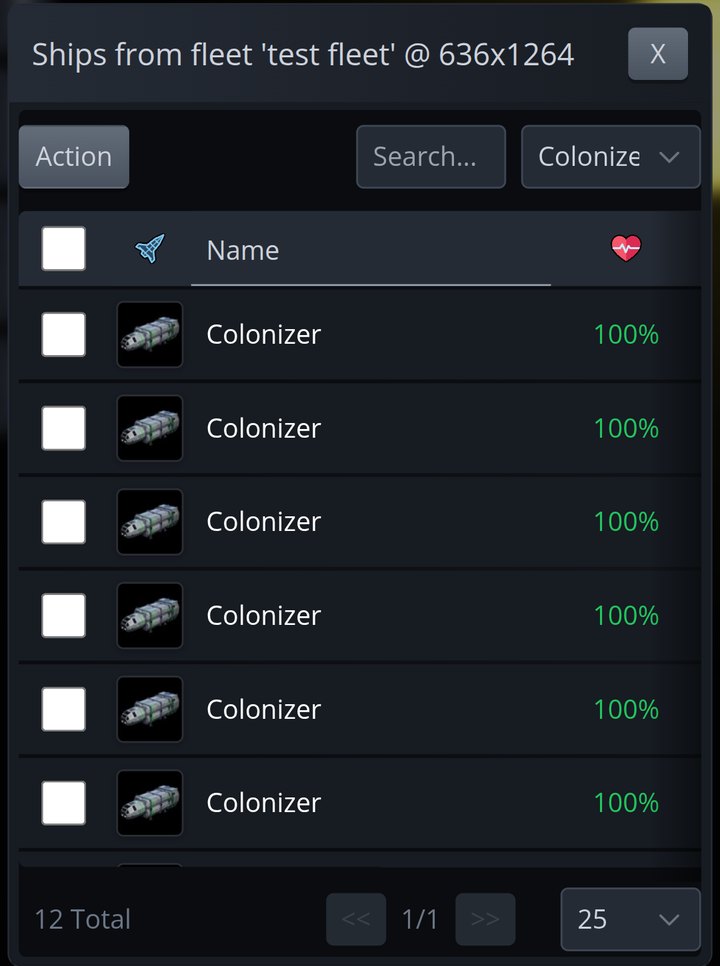
The type filter in the ship and fleet pickers on the map now also lists your own ship designs by name, so you can pick all ships of one design at once.
How long your queue takes
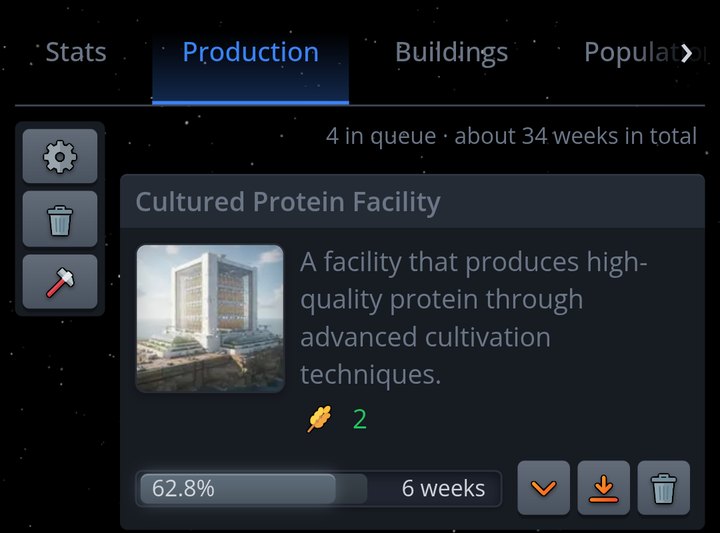
A planet's Production tab now shows how many items are queued and about how many weeks they take in total. If the planet has no production, it says the queue is stalled.
Loyalty on the planet page
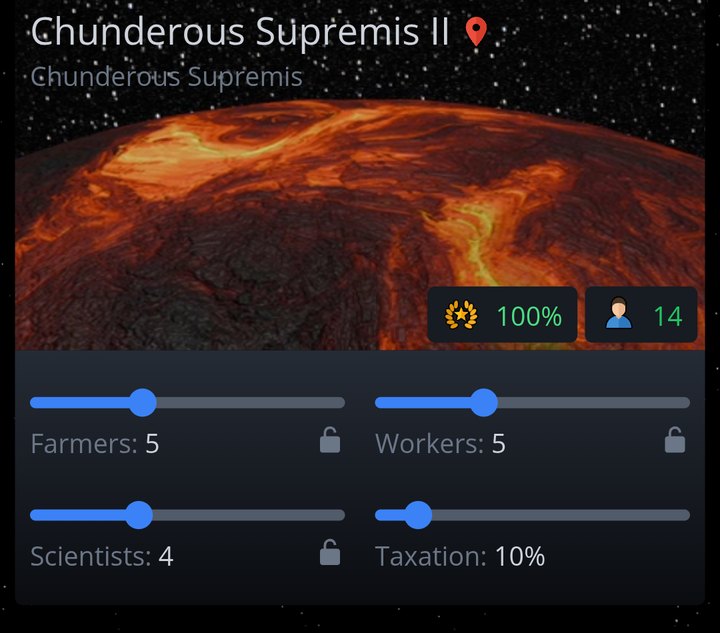
The top of a planet's page now shows its loyalty next to the population, coloured by how safe the planet is. Hover or tap it for what it means.
Dropium Processing costs 250k
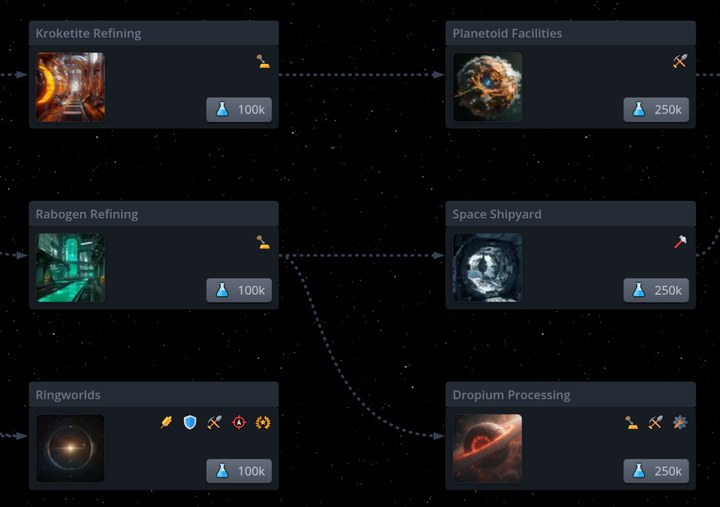
Dropium Processing sat in the 250k research column but cost 500k. It now costs 250k, like the rest of its column.
Paused terraforming keeps its progress
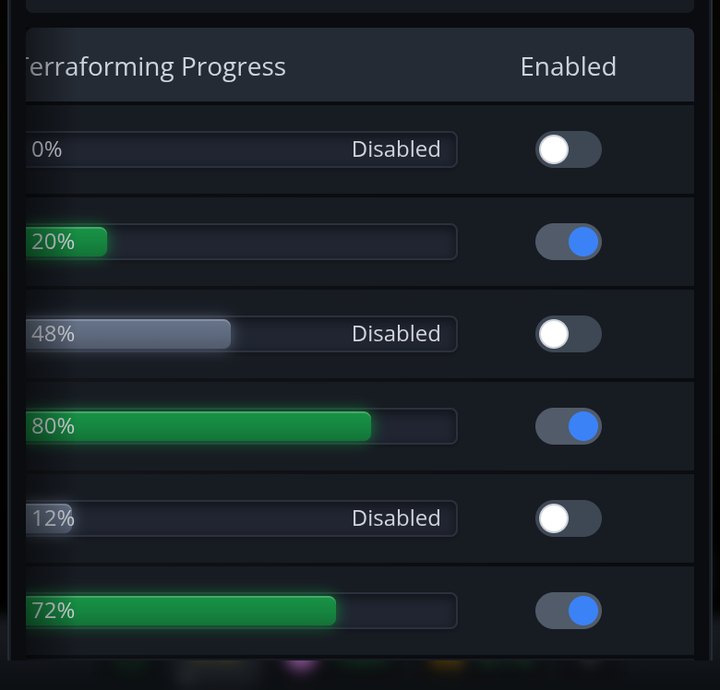
Planets you switched off in the terraforming list now show their progress as a grey bar, so you can see how far they got before you turn them on again.
Scan circles keep up
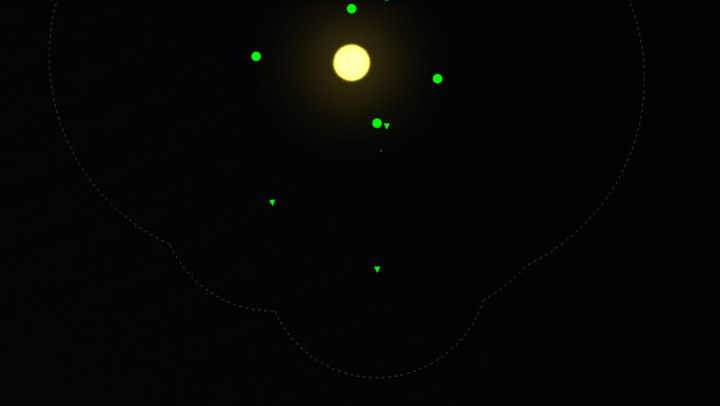
When many ships moved on the same day, their scan circles could fall a step behind, leaving each ship on the edge of its own circle. The circles now move with your ships, and they no longer reappear after you switch scan ranges off.
Lists stay where you are
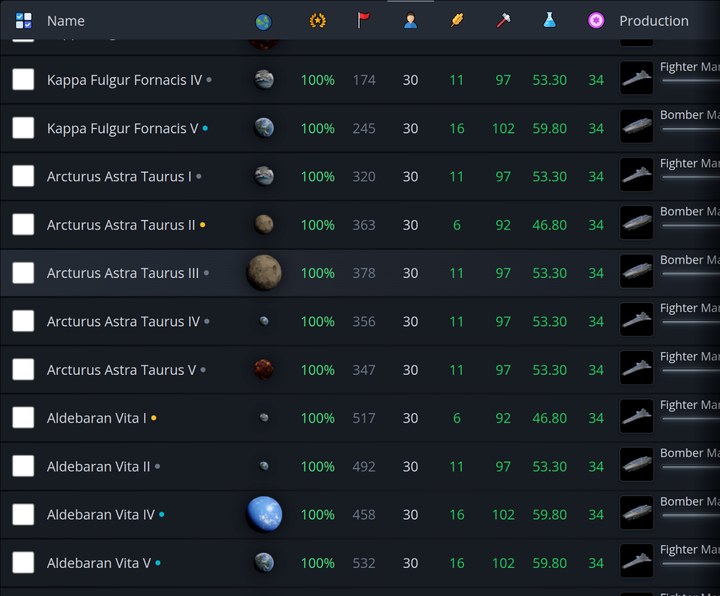
When a row changed, for example after switching a planet's terraforming, the list scrolled back to the top. Lists now keep their place. This applies to every list in the game.
The other candidate
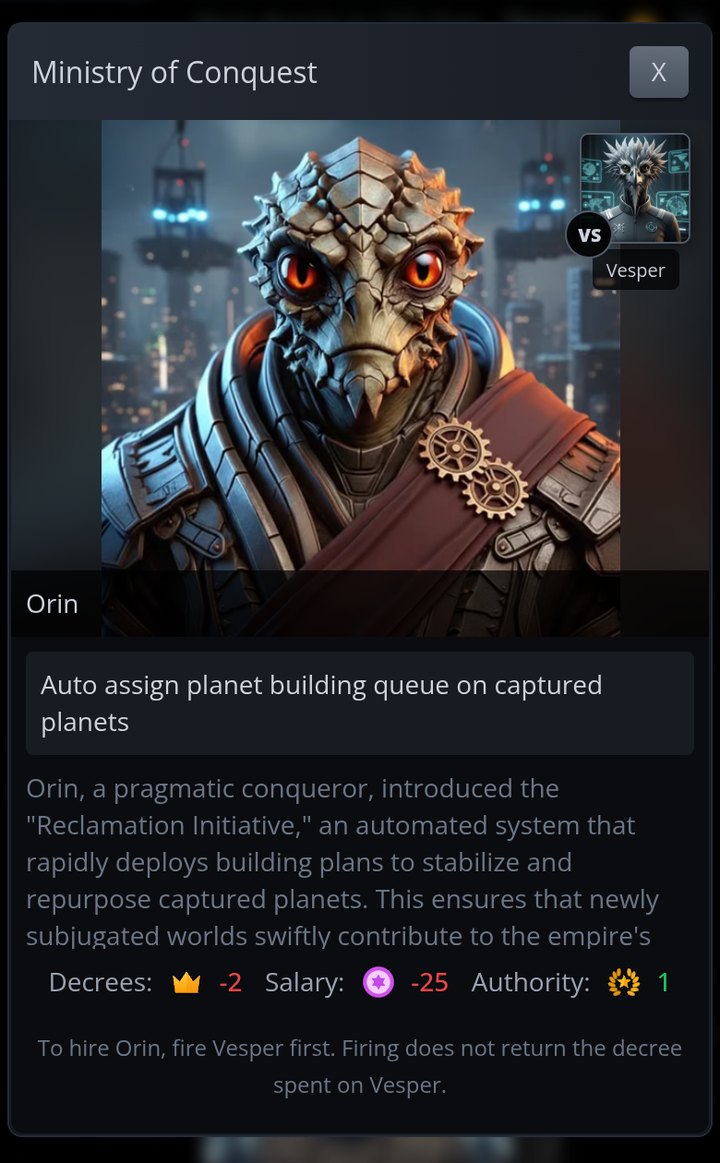
Once a minister is hired, the other candidate stays readable: tap their picture in the corner of the minister's window.