


Celebrate your firsts
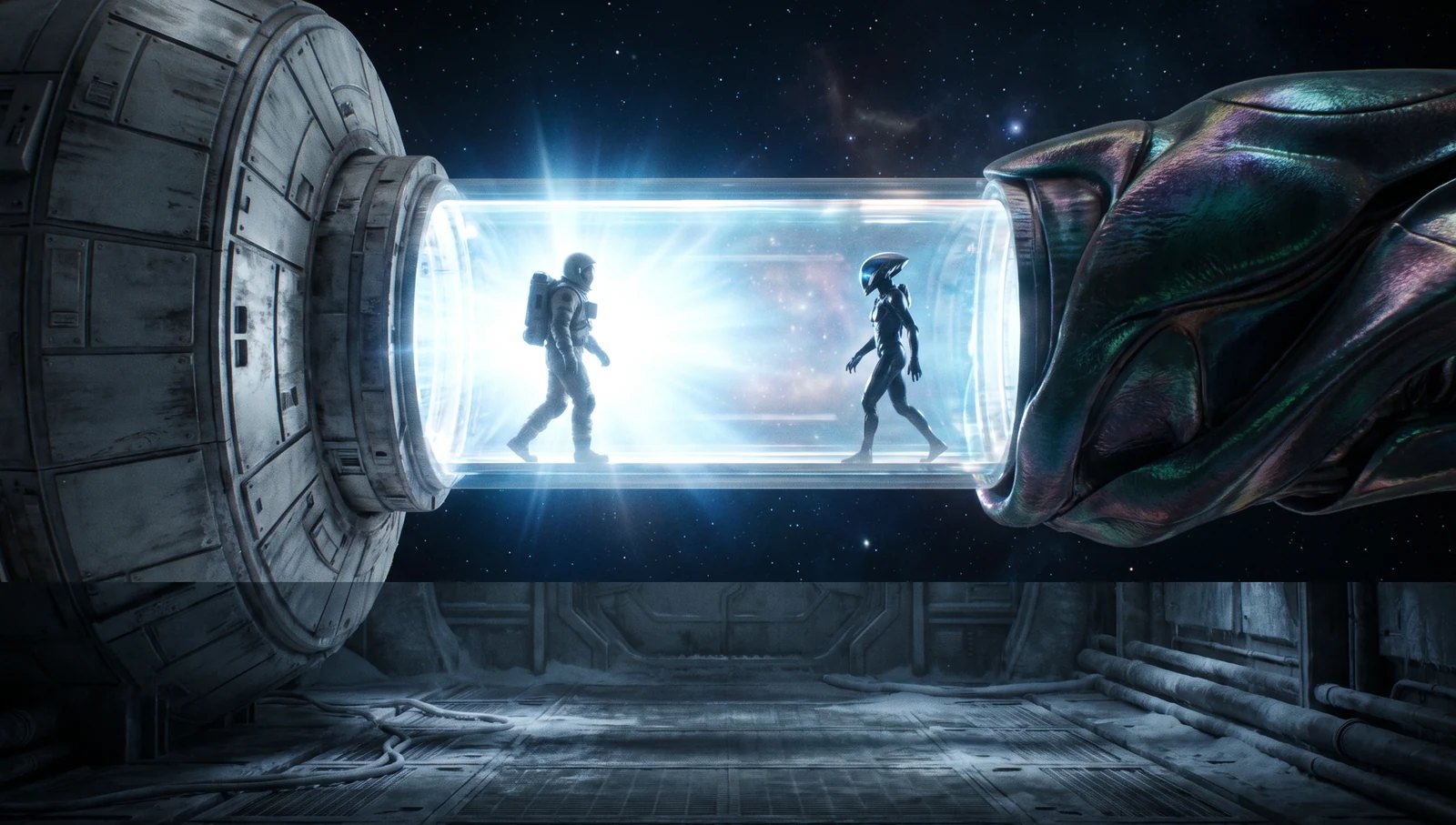
Your empire's big moments now get their own celebration. The first time you reach one of 8 milestones, a card with its own art pops up in the big event popup, with the day you reached it.
Each card has a button that takes you straight to what it is about: open a chat with the empire you just met, view your new planet or ringworld, give your spy a mission, open your alliance chat, or show the ship that made the jump on the map.
Milestones are a celebration only. They change nothing in the game, so there is nothing to chase or miss. Each one shows up once per arena.
Second chances in the cabinet
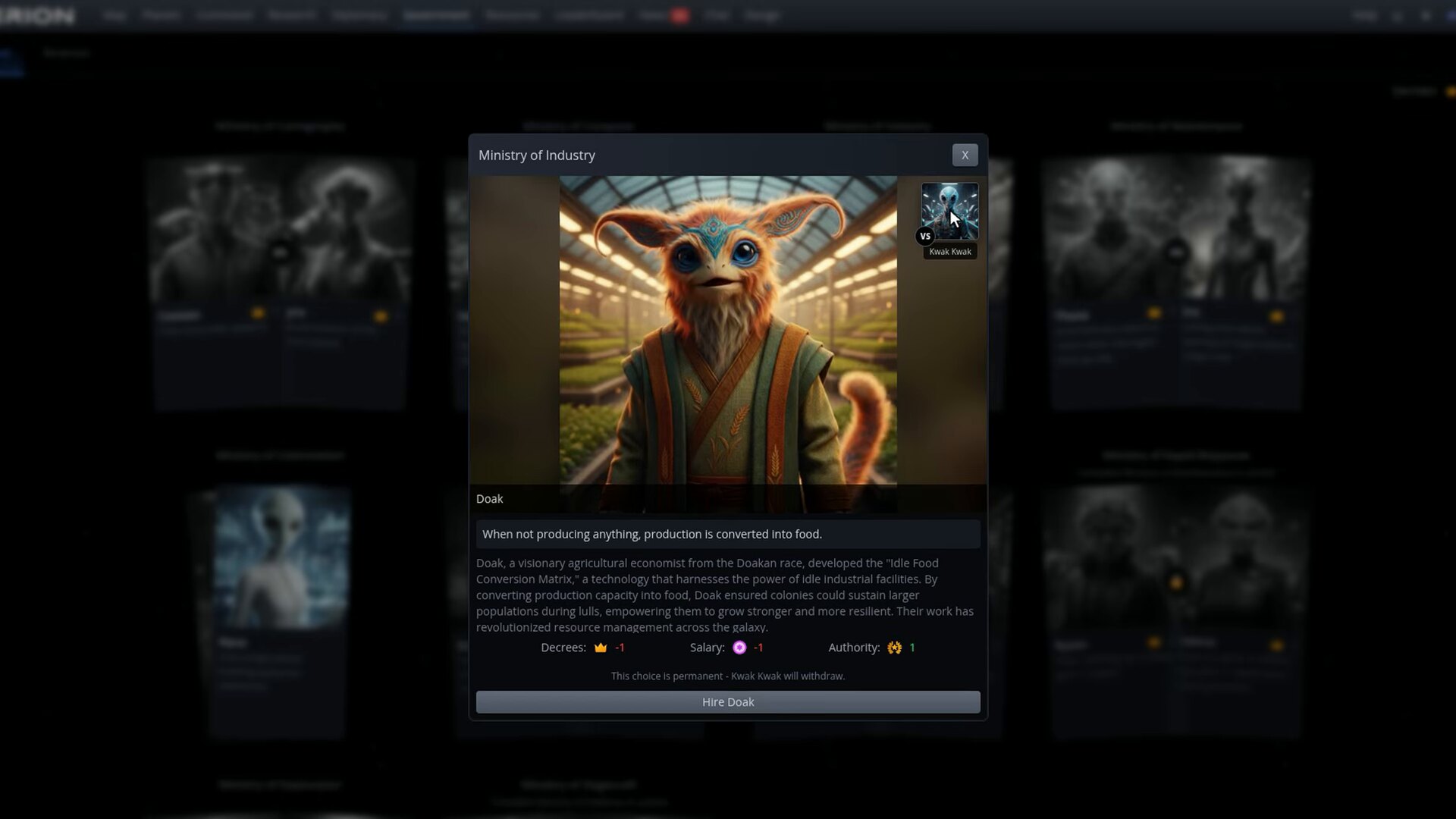
Fired a minister and regretted it? Firing no longer closes a ministry for good. The ministry opens again, and you can hire either of its two candidates for the ministry's normal decree cost: bring back the minister you fired, or switch to the rival you passed over.
One-time gifts come only with the first hire, so rehiring Cassian does not give you another free scout.
Dropium in the salvage
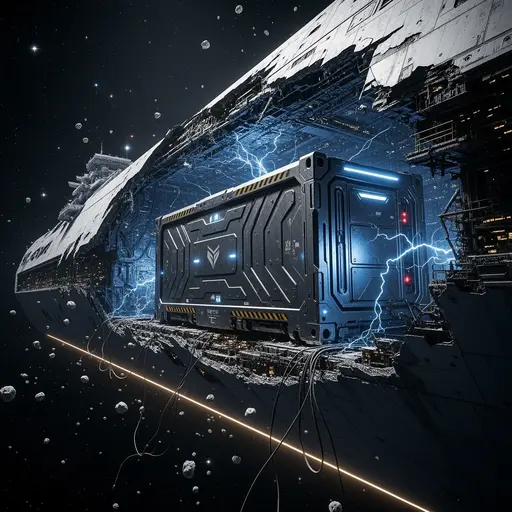
Salvage containers have a new legendary find: 1 dropium, the rare ore that fuels moon engines. Like the other legendary finds it is rare: about 1 container in 100 holds it.
Play full screen on your phone
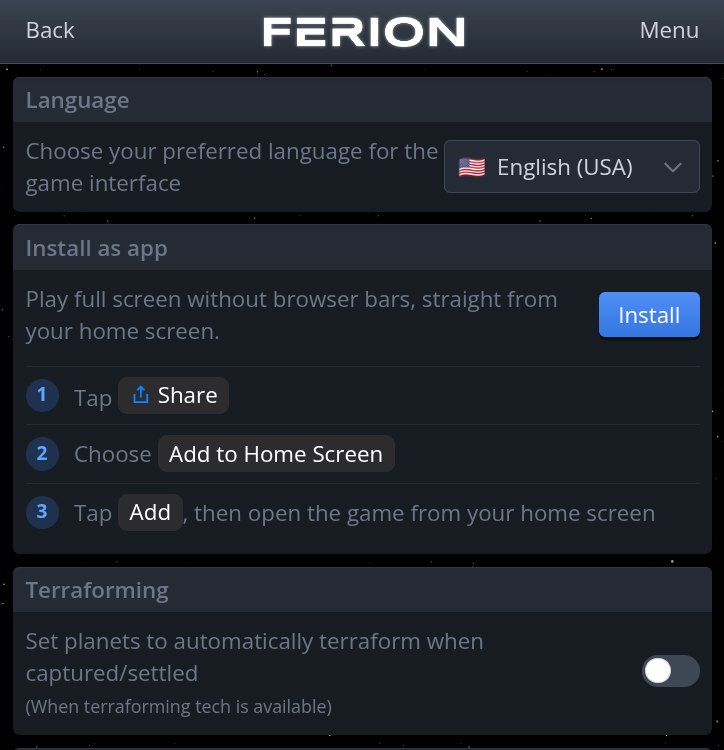
On a phone, the browser's address bar and toolbars take a big bite out of the map. You can now install Ferion as an app: it opens straight from your home screen, full screen, with no browser bars in the way.
No more surprise debt
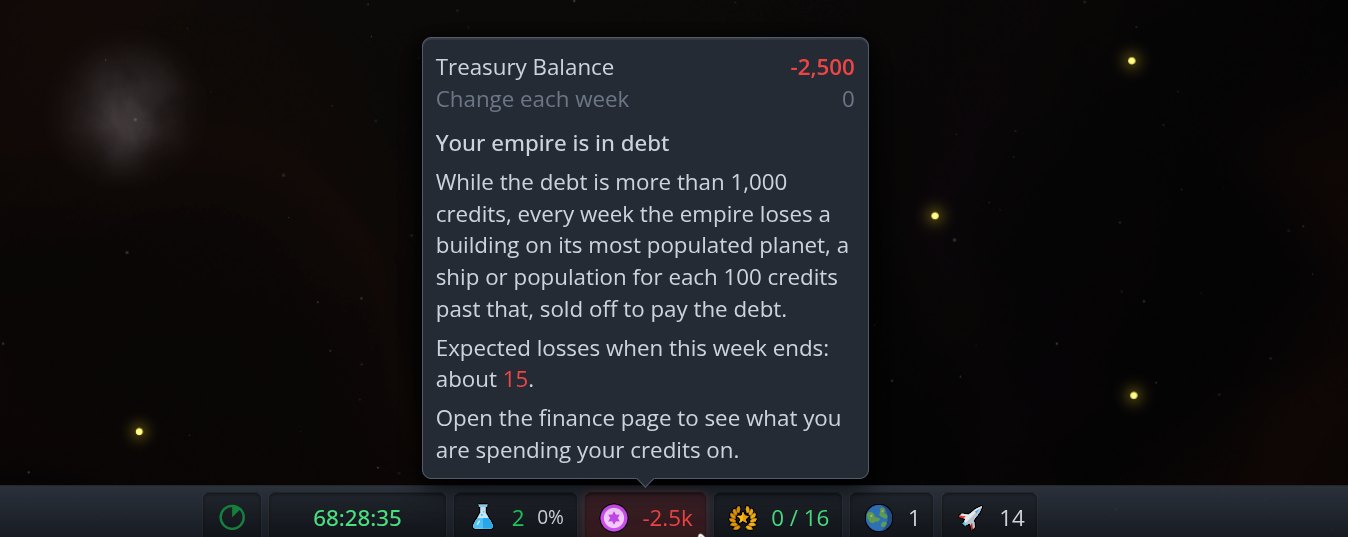
Your treasury balance now sits in the footer, on phones too. When you are in debt, or this week's costs would push you into it, the balance pulses red. Hover over it (or tap it on a phone) to see what is going on: how deep in debt you are, what the debt costs you and how much you are expected to lose when the week ends. The finance page explains the same.
Debt also got gentler: the first 1,000 credits of debt cost nothing. Past that, every 100 credits of debt still costs you a building on your most populated planet, a ship or population each week, so climb out quickly.
A black hole and a sky worth staring at
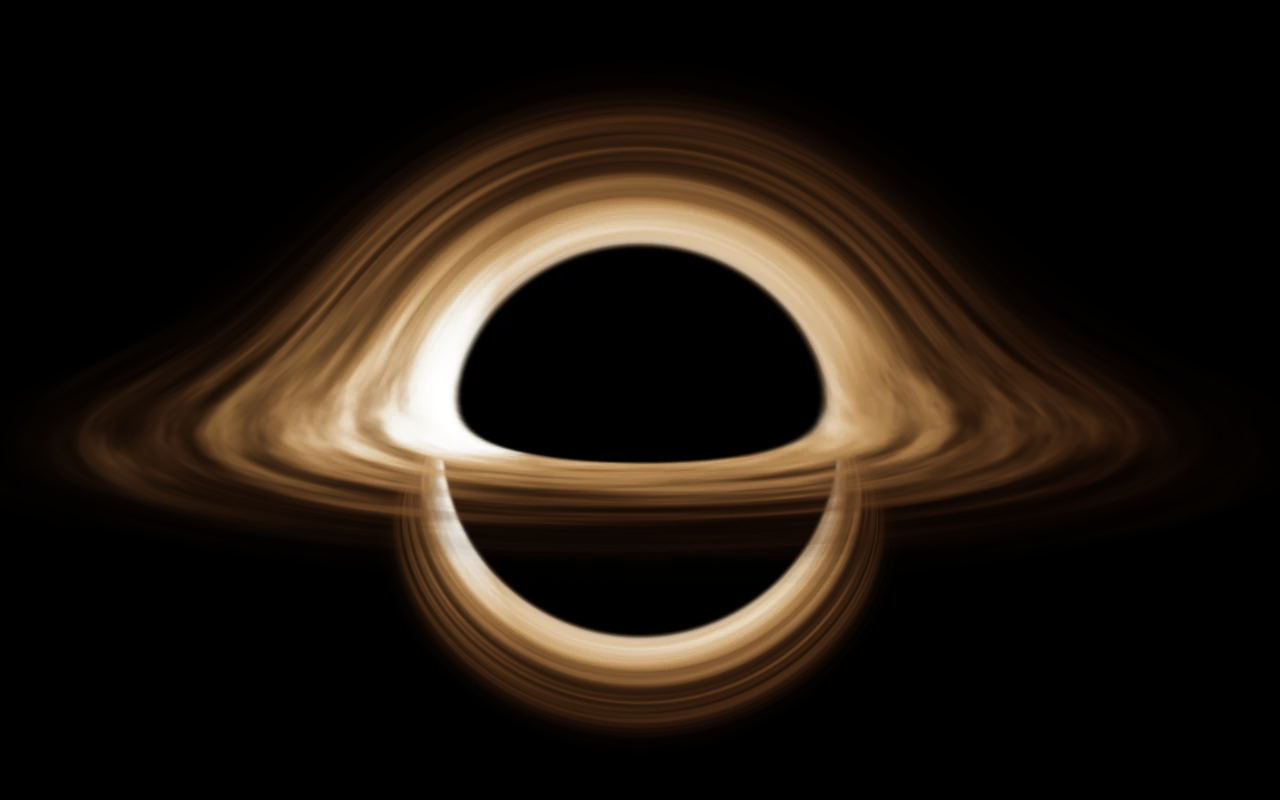
The black hole at the centre of the map has a new look. It is now drawn the way light really behaves around a black hole: the glowing disc of gas bends over the top and under the bottom of the dark shadow, so you can see the far side of the disc that would otherwise be hidden behind it.
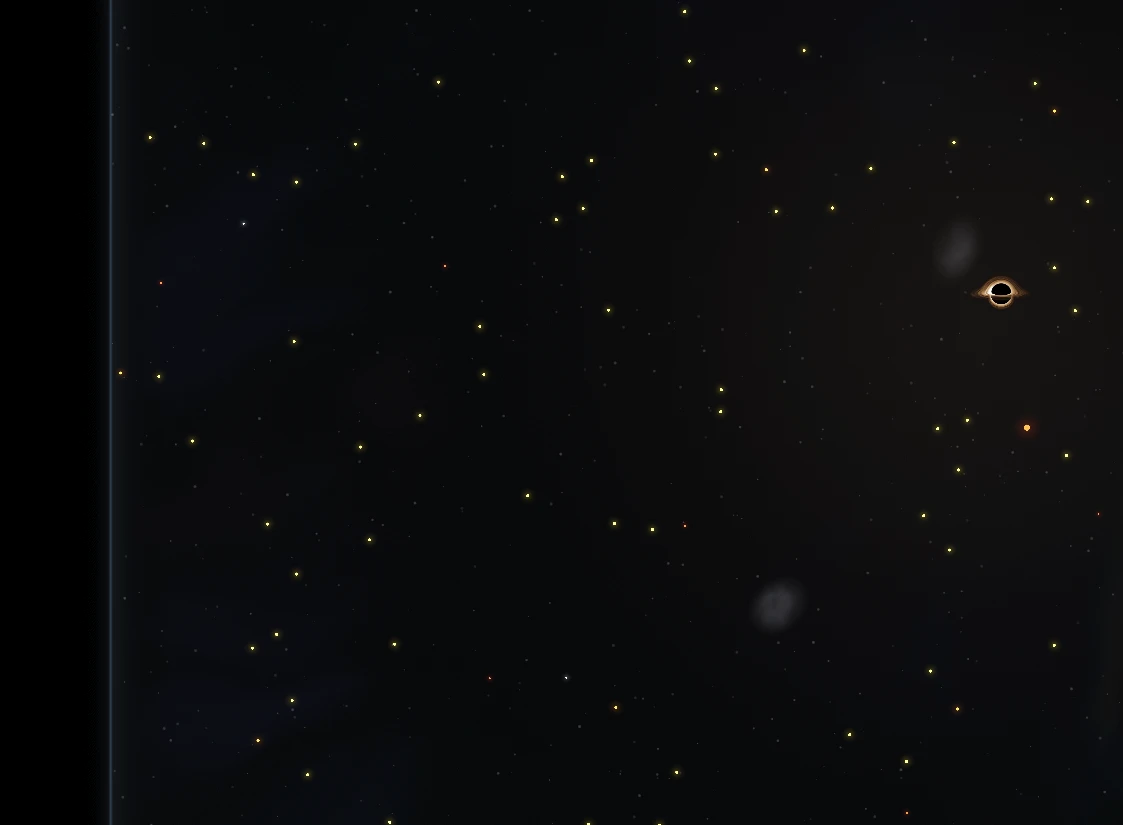
The space behind the map is no longer plain black. Every arena now has its own deep-space backdrop: drifting clouds of glowing gas, dark dust lanes cutting through them and a faint warm glow around the black hole. Each arena gets its own colours and its own clouds, so no two galaxies look the same.
The edge of the arena is marked with a thin glowing border with rounded corners, and the galaxy follows that shape: stars and wormholes no longer sit in the far corners. Prefer a plain map? Hide Starfield turns the backdrop off; the border stays.
The stars themselves now turn slowly, like the planets.
A smarter production queue
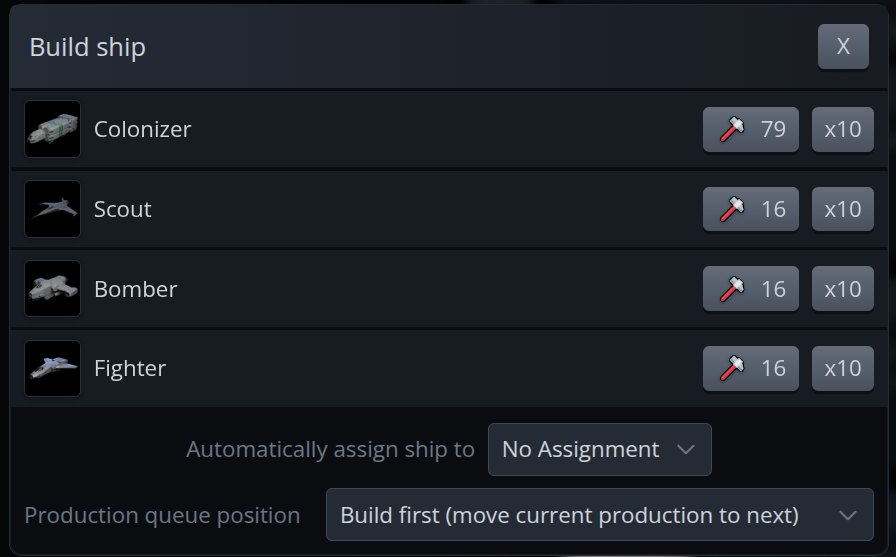
Need a ship right now? Pick Build first as the queue position in the Build ship window. Your new order goes to the front and whatever was being built moves to the next spot, so nothing is lost.
The batch button no longer always builds 10. Choose your own amount in Settings under Ship Build Batch: anything from 5 to 200, in steps of 5. The Build ship window also shows each design's frame, so you can tell your ships apart at a glance.
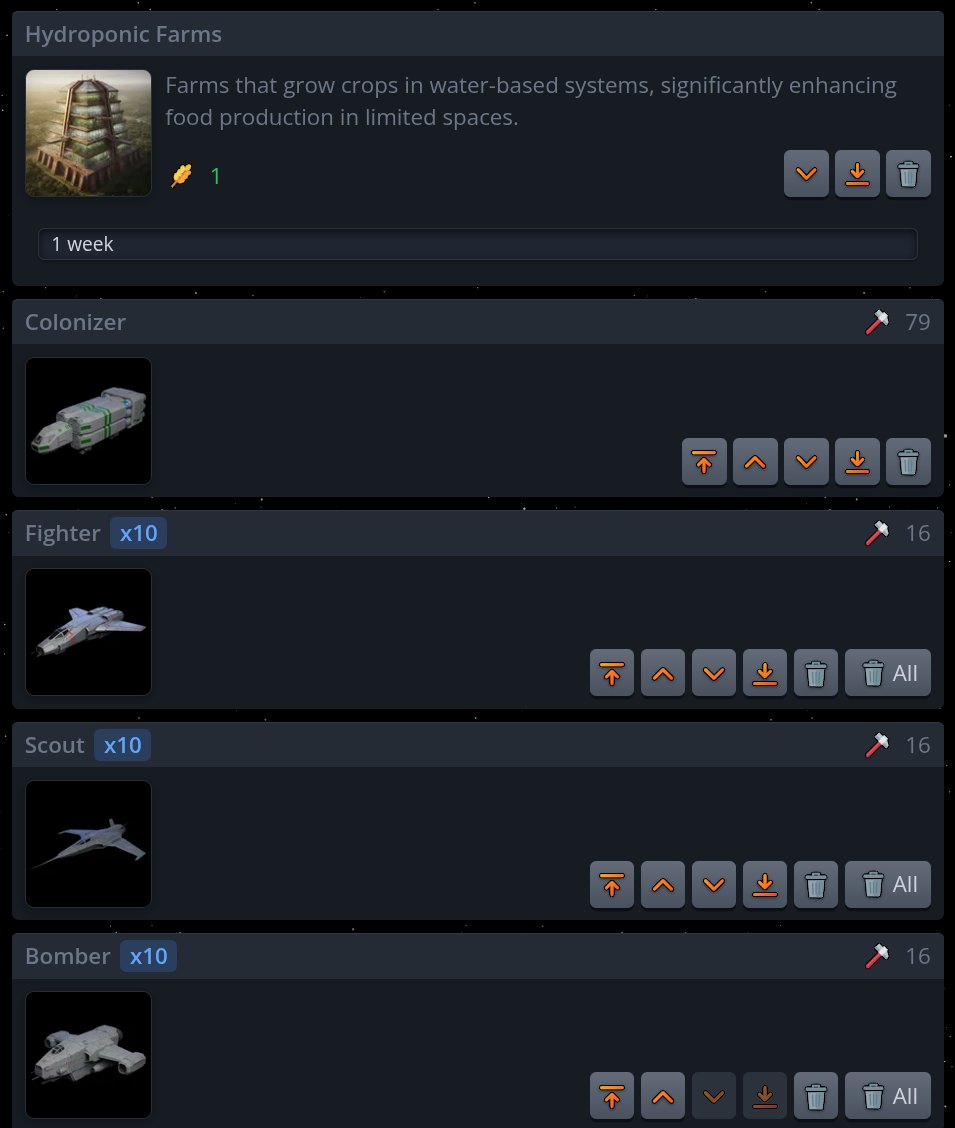
Long queues are easier to read too. Identical ships next to each other now show as a single card with a count, like Fighter x10. The arrows move the whole group, the bin removes one ship and the new All button removes the group.
Report bugs from inside the game
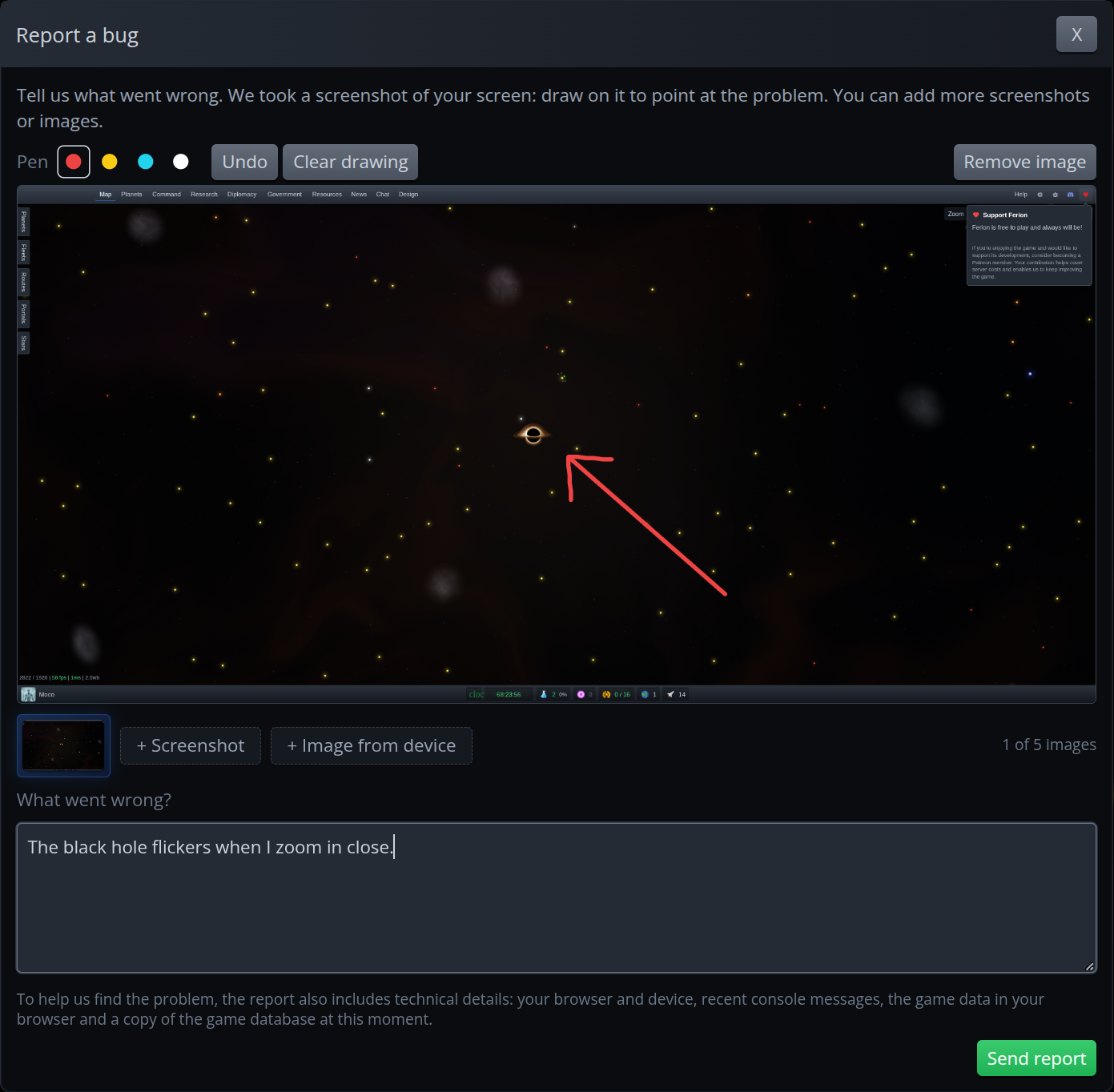
Found something broken? Tap the bug icon in the top bar (in the Menu on phones). The game takes a screenshot of what you are looking at, and you can draw on it to point at the problem. Add up to 5 images: more screenshots from other screens, or pictures from your device. Write what went wrong and send it.
Each report reaches us with everything we need to find the problem, so a few words and a red circle are often enough. Closed the window halfway? Your draft waits for you until you send it.
New spies get a head start

Training spies under an enemy spy swarm used to be hopeless: every new agent could be assassinated on the very first night. Newly trained spies are now safe from assassination for 300 days (30 hours IRL). That gives you time to set them to train where they are also safe from assassination.
Know who is a bot
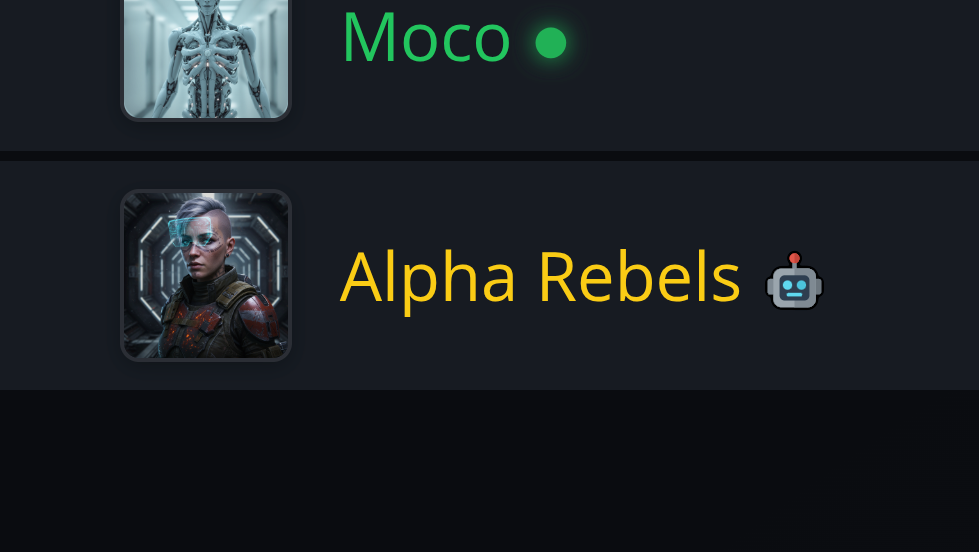
Empires run by the AI now carry a small robot icon next to their name: in the leaderboard, in chat, in diplomacy and everywhere else names show up. The icon also shows for empires you have not met yet, so you can see at a glance which rivals are human.
Chat mobile update
On phones, chat is much smoother: sending, removing a photo and following new messages all work as they should. The Menu button shows when you have unread chats, and the chat dings once per new message instead of repeating itself.
Fixes
Sending several ships to explore at once now gives each ship its own star, instead of sending them all to the same nearest star.
The AI no longer sends single ships to die at your planets.
Battle news now links straight to the battle reports page.
The loading screen disappears as soon as the game is ready.
iPhone no longer zooms in when you tap a text field.
Patreon
Finally a big thanks to KingHannible for becoming a Patreon member!